
JD Edwards Health Check is a comprehensive assessment of an organization’s Oracle JD Edwards Enterprise Resource Planning (ERP) environment. This is designed to identify performance bottlenecks, configuration issues, and security risks in your organization.
This generally checks your database efficiency and system performance, memory & CPU utilization, batch processing, data integrity, etc. You can also check if your existing business processes are using JD Edwards software support .
This article will help you understand common performance bottlenecks of the JD Edwards program, warning signs you should be careful about, how regular checks can help you, and more.
What Are the Warning Signs Your JD Edwards ERP Needs a Health Check?
Do you know the warning signs that your JD Edwards needs a health check urgently? It starts with performance issues and can become a bigger issue later. Here are some common indicators:
- Increasing application response times and slow transaction processing.
- Frequent UBE delays, failures, or sluggish batch processing.
- High CPU, memory, disk I/O, or other resource utilisation.
- Database queries and data retrieval becoming progressively slower.
- Integration failures or recurring issues with third-party applications.
- Performance degradation during peak business hours.
- Longer month-end or year-end financial closing processes.
- Growing dependence on Excel or manual processes outside JDE.
- Frequent manual adjustments, reconciliation, or data corrections.
- Inconsistent reports, inaccurate inventory, or declining data quality.
- Recurring system errors or unexpected downtime.
- Outdated user accounts, security controls, or undocumented customisations.
How Does a JD Edwards Health Check Identify Bottlenecks?
A JD Edwards health check identifies bottlenecks by analysing performance metrics and runtime behaviour across the application, server, and database layers.
- Checking Logs and Configurations
The health check involves reviewing system logs, recurring errors, configuration settings, customizations, interfaces, and third-party integrations. This helps your organization identify configuration gaps, recurring application issues, integration-related problems, and inefficient application logic that may create unnecessary processing overhead..
- Analysing Batch Performance & Database
By reviewing indexes, database queries, table size and growth, and I/O operations, the assessment can help identify delays in data retrieval. It also analyses UBE queues, execution times, failed or delayed batch jobs, and scheduling patterns to identify processing inefficiencies and potential resource conflicts.
- Reviewing System Performance Metrics
This assessment monitors CPU, memory, disk I/O, network activity, resource utilization, and application response times. It enables your organization to identify overloaded servers or infrastructure limitations that impact JD Edwards software performance.
- Evaluating Integrations and Customizations
A health check can also review APIs, middleware, interfaces, third-party integrations, and custom JD Edwards objects. Identifying inefficient integrations or heavily customized processes can help your organization understand sources of latency, processing overhead, and maintenance challenges.
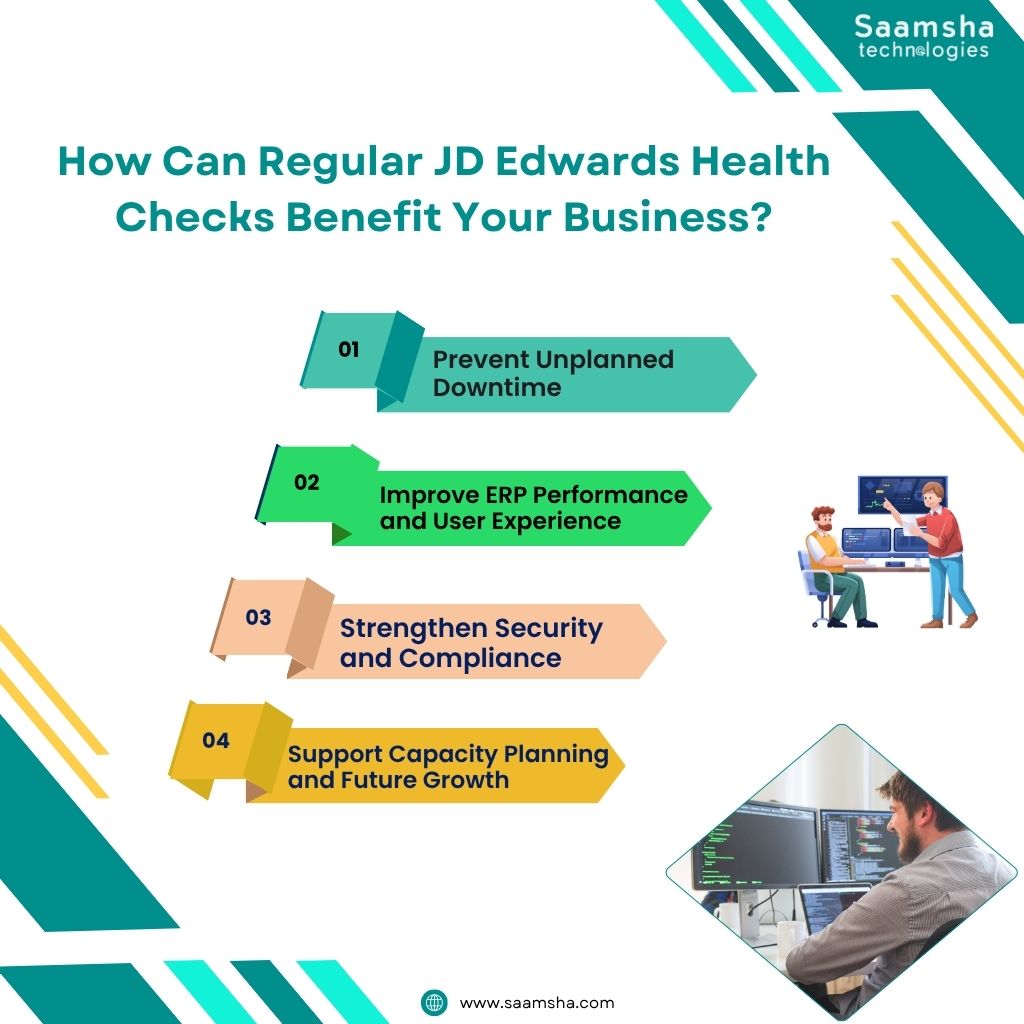
How Regular JD Edwards Health Checks Benefit Your Business?
Regular JD Edwards health checks help your organization to maintain a reliable ERP environment. This will help your IT team to identify performance, security, and capacity issues before they create any impact.
- Prevent Unplanned Downtime
Health checks can help you find database bottlenecks, configuration errors, resource constraints, backup issues, and missing patches early. Addressing these risks proactively helps you reduce the chances of unexpected outages and disruptions.
- Improve ERP Performance and User Experience
Reviewing database queries, indexes, batch processing, and resource allocation can help you identify opportunities to improve JD Edwards software performance. Faster processing and response times can streamline your organization’s workflows, reduce employee waiting time, and improve overall productivity.
- Strengthen Security and Compliance
A health check can review security patches, user access controls, backup processes, and system configurations. This helps your organisation identify security gaps and maintain stronger protection for sensitive JD Edwards ERP data security.
- Support Capacity Planning and Future Growth
This provides visibility into CPU, memory, storage, database growth, and workload trends. With the insights, your IT team can determine whether the existing Oracle JDE environment can accept more users, transactions, or future expansion.
Final Thoughts
A JD Edwards Health Check is a critical assessment process that helps ensure the secure, reliable, and efficient operation of your ERP environment. By reviewing application performance, database efficiency, batch processing, infrastructure capacity, integrations, configurations, and security controls, your organization can identify potential bottlenecks before they significantly affect business manufacturing operations.
Advanced monitoring, automation, and AI-driven analytics can further help your business identify abnormal system behaviour, recurring issues, and potential bottlenecks. If your organization depends on JD Edwards ERP, regularly assessing system health can help maintain performance, support business growth, and reduce the risk of unexpected disruptions.
From implementation and upgrades to customisation and ongoing support, Saamsha Technologies helps organisations optimise JD Edwards EnterpriseOne (E1) and World Software. Contact now!