
Business Central has become the core ERP platform for organizations managing finance, operations, inventory, sales, and supply chain processes from a single system. As more businesses adopt Microsoft Dynamics to centralize critical business data, protecting that information is no longer optional.
Microsoft Dynamics 365 Business Central includes powerful built-in security capabilities such as identity management, role-based access control, data encryption, and audit and activity tracking. These capabilities provide a strong foundation for protecting business data, but organizations must configure and manage them according to their specific users, processes, and security requirements.
However, these features are only effective when supported by strong security policies and governance. Organizations must regularly review user permissions, enforce least privilege access, and monitor system activity to reduce security risks.
By following established Business Central security best practices, businesses can strengthen their Business Central Dynamics 365 environment, safeguard sensitive data, maintain regulatory compliance, and ensure long-term operational resilience.
Which Business Central Security Controls Should Every Organization Prioritize First?
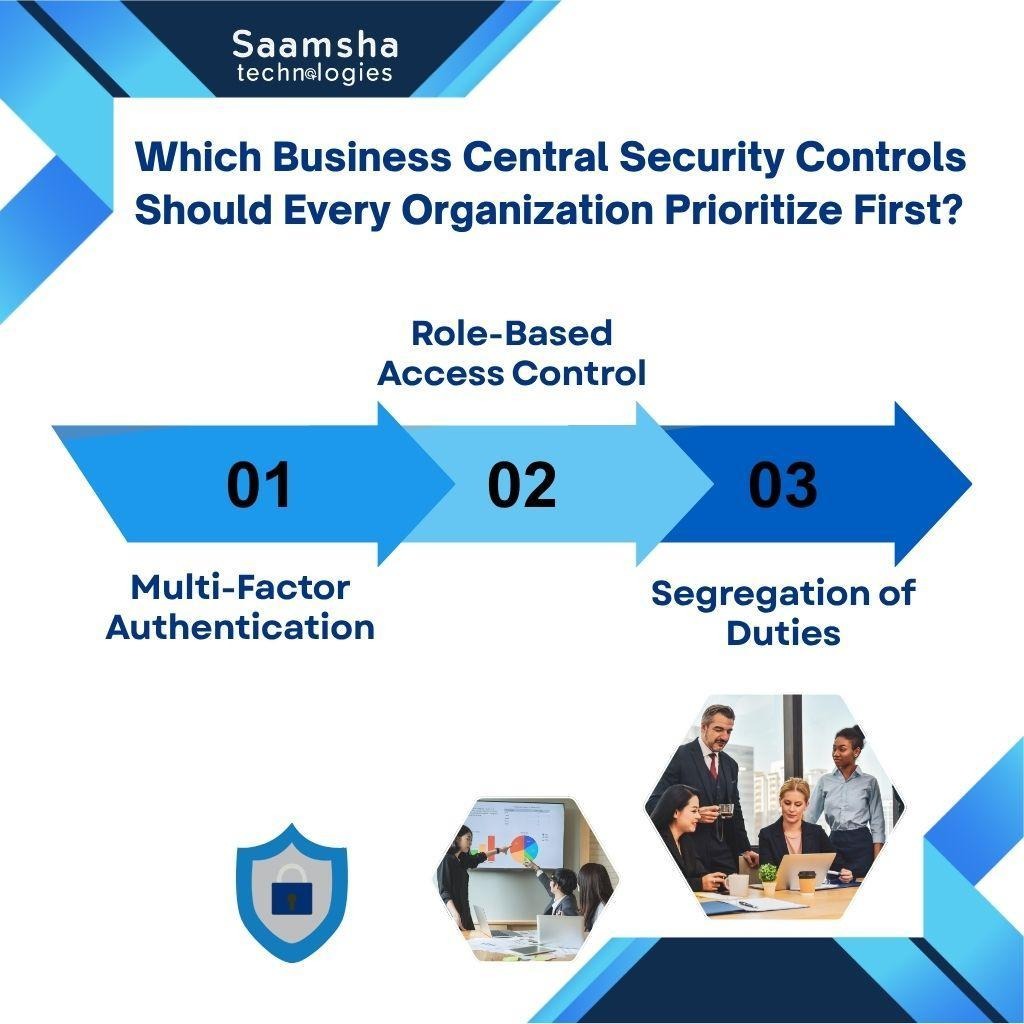
A strong Business Central security strategy starts with identity protection, controlled user access, and well-defined financial responsibilities. While Microsoft Dynamics 365 Business Central provides built-in security capabilities, organizations must configure them correctly to reduce cyber risks and unauthorized access.
- Multi-Factor Authentication
Multi-factor authentication (MFA) adds an extra verification step before users access Dynamics 365 Business Central, making stolen passwords far less useful to attackers.
Combined with Microsoft Entra ID and Conditional Access policies, MFA strengthens identity security, reduces the risk of phishing-related account compromise, and provides better protection for financial and operational data.
- Role-Based Access Control
Role-based access control ensures users receive permissions based only on their job responsibilities. Instead of granting broad access, organizations assign permission sets that limit what users can read, modify, or execute.
This least privilege approach reduces excessive permissions, minimizes accidental changes, and strengthens governance across Microsoft Dynamics environments.
- Segregation of Duties
Segregation of duties prevents a single user from controlling an entire financial process, such as creating vendors, approving invoices, and processing payments.
Separating these responsibilities through permission sets and approval workflows reduces fraud risks, improves accountability, and supports audit readiness while maintaining stronger internal controls within Business Central Dynamics 365.
Maximize the value of Microsoft Dynamics 365 Business Central with Saamsha Technologies. From implementation and customization to ongoing support, our experts help you build a secure, scalable ERP solution that grows with your business.
How Can You Build a Strong Access Management Strategy in Business Central?
An effective access management strategy in Business Central ensures users have only the permissions required to perform their responsibilities. Organizations should combine role-based permissions, security groups, and regular access reviews to strengthen governance and reduce security risks.
- How Should Permission Sets and Security Groups Be Configured?
Assign permission sets based on job functions rather than individual users. Use Microsoft Entra security groups to manage permissions centrally so access can be administered consistently as users join, leave, or change roles.
Business Central allows administrators to assign permission sets to security groups, with those permissions applying to the users who are members of the groups. This approach improves consistency, reduces administrative effort, and simplifies access reviews and audits.
- How Can You Prevent Access Creep and Excessive Permissions?
Review user permissions regularly to identify unnecessary access accumulated over time. Remove outdated permission sets as responsibilities change and validate access against current job roles to maintain a least privilege security model.
Administrators can also use Business Central’s permission overview and effective-permission capabilities to identify how permissions are assigned and determine whether access remains appropriate for each role.
- When Should SUPER Permissions Be Restricted?
Grant SUPER permissions only to trusted administrators responsible for system management. Avoid assigning them for routine work because unrestricted access bypasses standard security controls, increases organizational risk, and weakens accountability.
How Can Organizations Better Protect Business Central Data and Respond to Security Threats?
Protecting Business Central requires a combination of strong data protection, controlled access, and continuous monitoring to reduce security risks and maintain business continuity.
- Encrypt Data at Every Stage: Microsoft Dynamics 365 Business Central encrypts data at rest and in transit, helping protect sensitive financial and operational information from unauthorized access.
- Maintain Reliable Backups: Automated backups and disaster recovery capabilities help organizations recover quickly from accidental deletion, ransomware attacks, or system failures, minimizing downtime and data loss.
- Restrict Access with Record-Level Security: Configure security filters so users can access only the records required for their roles, reducing unnecessary exposure to confidential business data.
- Enable Change Logs and Audit Trails: Track who changed data, when the changes occurred, and what was modified. These records improve accountability, simplify investigations, and support regulatory compliance.
- Monitor Suspicious Sign-in Activity: Review Microsoft Entra sign-in logs and configure alerts for repeated login failures, unfamiliar locations, or unusual authentication behavior to detect threats before they impact business operations.
Looking to implement or optimize Microsoft Business Central? Partner with Saamsha Technologies for seamless implementation, system modernization, integration, and reliable support tailored to your business goals.
How Can You Secure APIs, Integrations, Extensions, and Daily Business Central Operations?
A secure Business Central environment depends on protecting connected systems while following consistent operational security practices. Focus on these key areas:
- Use Secure Authentication for Integrations: Protect APIs and connected applications with OAuth-based authentication instead of basic credentials. Grant only the permissions required for each integration to reduce unauthorized access risks.
- Review Third-Party Extensions Regularly: Evaluate installed extensions and custom integrations to ensure they follow the Business Central permission model and do not introduce unnecessary security vulnerabilities.
- Keep Business Central Updated: Apply Microsoft security updates and patches promptly to address vulnerabilities, improve system stability, and strengthen the overall security posture.
- Secure Development and Sandbox Environments: Restrict public access, protect sensitive data, enforce multi-factor authentication, and use secure network controls to prevent non-production environments from becoming security weak points.
What Are the Most Common Business Central Security Mistakes?
Effective security in Business Central depends on consistent access governance, appropriate configuration, monitoring, and regular reviews. Organizations can strengthen their security posture by avoiding common access-management and operational oversights.
- Avoid Shared Accounts and Excessive Permissions: Shared logins reduce accountability, while excessive permissions increase the risk of unauthorized access, fraud, and accidental data changes. Grant users only the access required for their roles.
- Review Security Settings Regularly: Conduct periodic permission reviews, monitor user activity, and remove outdated access as roles change. Regular audits help prevent access creep and strengthen the long-term security of Microsoft Dynamics 365 Business Central.
Final Words
Long-term Business Central security requires continuous attention rather than a one time setup.
Organizations should regularly review permissions, enforce least privilege access, monitor user activity, apply security updates, and evaluate integrations to address emerging risks.
Combining strong governance with proactive monitoring helps protect sensitive business data, maintain compliance, and ensure Microsoft Dynamics 365 Business Central remains secure as business needs and cybersecurity threats evolve.
Transform your operations with Saamsha Technologies. Our Microsoft Business Central specialists help you streamline processes, improve visibility, and unlock the full potential of your Microsoft Dynamics 365 Business Central investment.