
IBM i has long been recognised as one of the most dependable enterprise computing platforms, supporting mission-critical applications across manufacturing, banking, retail and healthcare.
However, maintaining consistent performance requires more than the inherent reliability of the IBM i operating system.
Continuous workload monitoring enables organisations to track CPU, memory, storage and job activity in real time, helping detect performance bottlenecks before they disrupt business operations.
Whether running modern IBM i software or legacy workloads on an AS/400 system, proactive monitoring improves resource utilization, reduces downtime and accelerates issue resolution.
For businesses relying on IBM i AS/400 environments, effective workload monitoring also supports capacity planning and strengthens system stability. It provides administrators with the performance visibility required to maintain predictable service levels as workloads, transaction volumes and business requirements evolve.
Understanding IBM i Workload Monitoring
IBM i workload monitoring is the continuous process of tracking and analysing system activity, resource usage and job performance across the IBM i operating system.
Unlike basic health checks, it provides real-time visibility into workload behaviour and enables administrators to detect performance issues before they affect business operations.
Historical performance data is equally important. By comparing current activity against established baselines and previous workload patterns, administrators can distinguish temporary workload spikes from recurring performance problems and make more informed capacity-planning decisions.
An IBM i AS/400 environment typically runs interactive user sessions, batch jobs, database transactions and scheduled system tasks simultaneously. Monitoring these workloads helps ensure applications remain responsive and resources are allocated efficiently.
Key performance metrics include CPU utilisation, memory usage, disk I/O, storage capacity, job queue activity and response times. Tracking these indicators allows IT teams to identify bottlenecks, balance workloads and maintain consistent system performance.
For organizations relying on an AS/400 system, effective workload monitoring reduces unplanned downtime, improves operational efficiency and strengthens the long-term reliability of the AS/400 operating system.
Modernise your IBM i applications with confidence. Partner with Saamsha Technologies for expert development, seamless integration and reliable long-term support tailored to your business.
How IBM i Workload Monitoring Improves System Reliability?
Continuous IBM i workload monitoring helps organisations identify performance issues early, optimise system resources and maintain consistent application performance, ensuring higher availability and long-term reliability across enterprise environments.
- Detects Performance Bottlenecks Early: Tracks CPU usage, memory consumption, disk I/O, job queues and database activity in real time and allows administrators to resolve issues before they impact users.
- Optimises Resource Allocation: Provides insights into workload patterns, enabling IT teams to adjust job priorities, balance resources and schedule resource-intensive batch processes during off-peak hours.
- Reduces Downtime: Combines real-time metrics, historical trends and automated alerts to identify root causes quickly, shortens troubleshooting time and minimizes service disruptions.
- Supports Predictive Maintenance: Analyses long-term performance trends to forecast future CPU, memory and storage requirements and helps organisations plan upgrades before capacity limits affect operations.
- Improves Operational Efficiency: Prevents resource contention, maintains stable response times for critical applications and enables the IBM i operating system to deliver reliable performance as business workloads grow.
- Strengthens Business Continuity: Proactive monitoring keeps IBM i AS/400 environments stable, scalable and capable of meeting service level expectations while reducing the risk of unexpected outages.
Need experienced IBM i AS/400 developers? Connect with Saamsha Technologies to accelerate application development, optimise performance and simplify legacy system modernisation.
What are the IBM i Tools and Capabilities for Workload Monitoring?
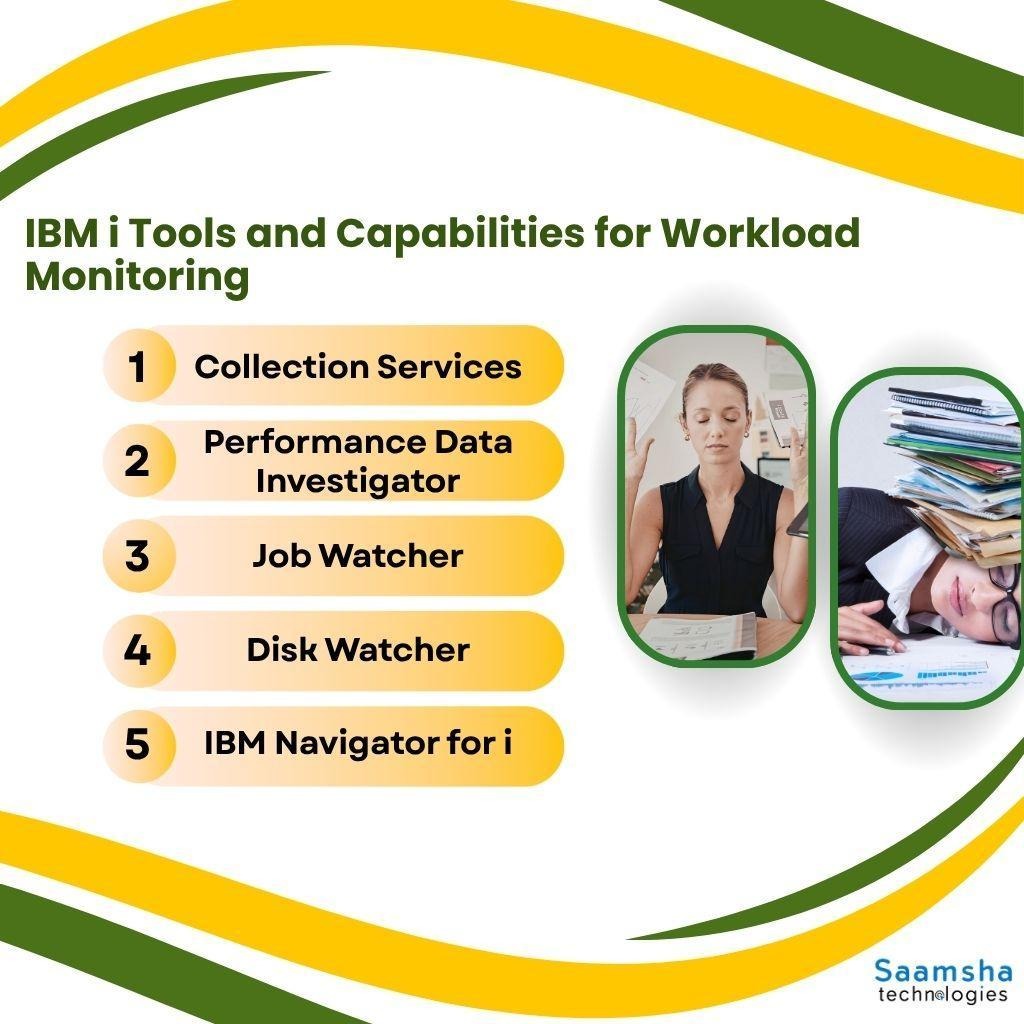
IBM i provides several native tools for collecting and analysing performance data. These capabilities help administrators identify bottlenecks, understand workload behaviour and make informed decisions about system performance and capacity.
- Collection Services: Collects system and job-level performance data, including processor usage, memory pools, disk activity, jobs and communications. Historical data helps administrators analyse performance trends and support capacity planning.
- Performance Data Investigator (PDI): Available through IBM Navigator for i, PDI provides graphical views of collected performance data. It helps administrators compare metrics, analyse resource utilisation and identify potential performance constraints.
- Job Watcher: Provides detailed information about jobs, threads and tasks. It helps administrators investigate resource-intensive jobs and identify factors affecting application or workload performance.
- Disk Watcher: Analyses disk I/O activity and identifies jobs, threads or tasks generating intensive disk operations, helping administrators investigate storage-related performance issues.
- IBM Navigator for i: Provides a browser-based interface for managing and monitoring IBM i environments, offering centralised access to performance and system-management functions.
Together, these tools provide deeper visibility into IBM i workloads, enabling data-driven performance monitoring, faster troubleshooting and better resource planning.
What are the Best Practices for Effective IBM i Workload Monitoring?
Effective IBM i workload monitoring requires a proactive approach that combines continuous tracking, intelligent alerting and the right monitoring tools to maintain reliable system performance.
- Establish Performance Baselines: Continuously monitor CPU, memory, disk I/O, job activity and response times to understand normal system behaviour. Well-defined baselines make it easier to identify genuine performance issues.
- Automate Alerts: Configure alerts for critical performance thresholds and SLA violations so IT teams can respond quickly before minor issues become major outages. Thresholds should be based on normal workload behaviour and business requirements rather than relying solely on generic limits.
- Analyse Performance Trends: Review historical data regularly to identify recurring bottlenecks, workload spikes and capacity trends, supporting better resource planning and system optimisation.
- Use Native and Modern Monitoring Tools: Combine built-in IBM i software utilities with advanced monitoring platforms to gain centralized dashboards, automated reporting, predictive insights and faster root cause analysis.
- Continuously Optimize the Environment: Regular monitoring and data-driven improvements help organizations maintain the long-term stability, availability and efficiency of the IBM i operating system and AS/400 system.
- Monitor Jobs, Subsystems and Database Activity: Monitoring active jobs, queues, subsystems, memory pools and Db2 for i activity helps administrators identify workloads causing resource contention, performance issues and slower response times.
Final Words
Continuous workload monitoring is essential for maintaining the reliability, performance and availability of IBM i environments.
By tracking system resources, detecting performance bottlenecks early and responding before issues escalate, organisations can minimise downtime and maintain uninterrupted business operations.
Proactive monitoring also improves resource utilisation, accelerates troubleshooting and supports informed capacity planning as workloads grow.
Rather than relying on reactive problem-solving, businesses should adopt a structured monitoring strategy that combines continuous performance monitoring, meaningful baselines, automated alerts and regular trend analysis.
Integrating native IBM i tools with modern monitoring solutions further strengthens system visibility. This helps organisations improve operational efficiency, ensure business continuity and keep their IBM i operating system reliable, scalable and prepared for future growth.
Unlock the full potential of your IBM i environment with Saamsha Technologies. Contact our experts today for customised development, migration and managed support services.

