
Supply chain disruptions can affect your sourcing, inventory, production, and timely product delivery. To manage these challenges, you need a flexible, technology-driven system that connects your supply chain activities.
Microsoft Dynamics 365 Business Central helps you coordinate planning, sourcing, inventory, order processing, and distribution using a single platform.
You can get better visibility into inventory levels, demand, purchase orders, and logistics to respond quickly to changing conditions.
By integrating tools like Power BI and Microsoft Teams, this can also help your teams to access real-time insights and collaborate effectively.
In this blog, you will learn what causes supply chain disruptions and how Business Central Dynamics 365 helps you manage them, as well as its role in sourcing, procurement, inventory, distribution, and more.
What are the Key Reasons Behind Supply Chain Disruptions?
Supply chain disruptions can happen due to external events, operational challenges, or internal issues that can interrupt the normal flow of goods and services. These are the key reasons:
- Natural Disasters: Floods, storms, earthquakes, and other extreme weather can damage facilities and block transportation routes.
- Geopolitical Instability: Wars, tariffs, sanctions, and trade restrictions can impact your sourcing and cross-border movement.
- Supplier Issues: If you are dependent on limited suppliers or there are raw material shortages, that can interrupt production.
- Logistics Bottlenecks: Port congestion, transport delays, fuel shortages, and labour shortages can delay deliveries.
- Demand Volatility: If there are unexpected changes in demand, that can also cause stockouts or excess inventory.
- Cybersecurity Threats: Cyberattacks in your organization can disrupt ERP, ordering, and logistics systems.
- Internal Issues: Poor forecasting, equipment failures, and communication gaps can also disrupt your business operations.
These factors highlight the importance of having connected supply chain data and processes. With a centralised ERP system, businesses can improve visibility across purchasing, inventory, sales, finance, and operations, making it easier to coordinate responses as business conditions change.
How Business Central Helps You Manage Supply Chain Disruptions?
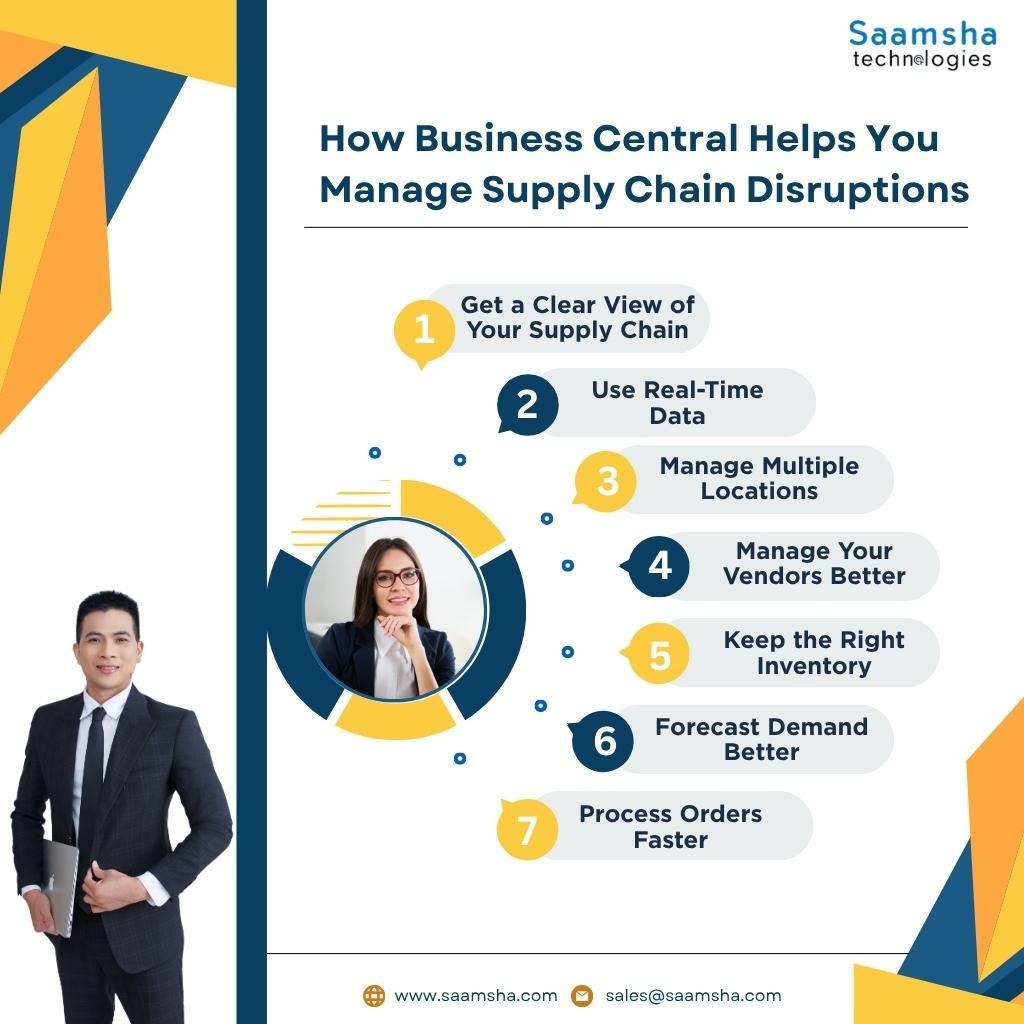
Do you know how Business Central can help you manage your supply chain disruptions? Microsoft Dynamics 365 Business Central gives you better control over your supply chain by bringing your data and processes into one system. Here is how it can help you:
- Get a Clear View of Your Supply Chain: You can see your inventory, purchases, sales, finances, and other important data in one place. This helps you detect problems early and take action quickly.
- Use Real-Time Data: You can access updated information about your stock, orders, demand, and purchasing needs. This helps you make better decisions instead of relying on outdated data.
- Manage Multiple Locations: If you operate from different locations, Business Central helps you manage your inventory and processes across all of them from one system.
- Manage Your Vendors Better: You can handle vendor quotes, purchase orders, invoices, payments, returns, and credit memos. This makes your procurement process easier to manage.
- Keep the Right Inventory: You can track your stock levels and plan replenishment to reduce the chances of running out of popular products or holding too much slow-moving stock.
- Forecast Demand Better: You can use your business data to understand demand and plan your purchasing and inventory accordingly.
- Process Orders Faster: By connecting your sales, purchasing, inventory, and finance processes, you can reduce manual work and fulfil orders more efficiently.
Get expert Microsoft Business Central implementation, customisation, and support to connect your finance, sales, inventory, and operations on one scalable platform. Connect with Saamsha Technologies now!
How Can Business Central Improve Sourcing and Procurement?
Microsoft Dynamics 365 Business Central can make your sourcing and procurement process simpler.
This is because it brings your purchasing, vendor, inventory, and financial data into one system. Here is how it can help your organization:
- Plan Purchases Based on Demand: Business Central can use your sales orders, inventory levels, and forecasts to identify the need to refill goods or materials.
- Simplify Purchase Orders: You can easily manage the complete purchasing cycle, from creating purchase orders to receiving goods and processing invoices. This helps to reduce manual work and also keeps your procurement process organised.
- Set Purchase Approvals: You can create approval workflows depending on factors like purchase value or specific conditions. This helps you to have better control over who can approve purchases.
- Track Your Purchasing Costs: Since your purchasing data is linked to inventory and finance department information, you can easily track how your purchasing decisions impact stock levels and expenses.
- Make Better Sourcing Decisions: Your purchase history, supplier information, lead times, and spending data can help you compare suppliers and make more informed sourcing decisions.
- Improve Vendor Coordination: You can easily access order, payment, and transaction details. This also helps you to communicate clearly with your suppliers and maintain smoother relationships.
How Does Business Central Support Inventory and Distribution?
Dynamics 365 Business Central helps you manage your inventory and distribution from one connected platform.
Instead of relying on separate spreadsheets or systems, you can see what stock you have, where it is located, and how it is moving. Here is how it helps:
- Track Your Inventory in Real Time: You can check available, reserved, ordered, and expected stock across your business. This helps you avoid stockouts and unnecessary overstocking.
- Manage Items Easily: You can create item cards with details such as categories, variants, costs, and other attributes. You can also track specific products using serial numbers, lot numbers, and expiration dates.
- Plan Stock Replenishment: Business Central uses reorder points and planning information to help you understand when you need more stock. It can also suggest replenishment quantities based on your requirements.
- Manage Multiple Locations: If you have several warehouses or distribution centres, you can track inventory across them and manage stock transfers between different locations.
- Connect Sales and Purchasing: Your inventory data connects directly with your sales and purchasing processes. This makes it easier to check product availability and plan purchases based on customer orders.
- Make Better Decisions: Built-in reports, analysis tools, and Power BI integration help you understand stock movement, inventory value, demand trends, and slow-moving items.
Conclusion
Business Central gives you the visibility, data, and automation you need to prepare for these changes.
By connecting your planning, sourcing, inventory, and distribution processes, you can identify risks earlier and make faster decisions.
Additionally, using Microsoft Dynamics 365 Business Central with tools such as Power BI can help you build a smarter, more flexible, and resilient supply chain. This is a ready-to-adapt solution as your business and market conditions evolve.
Saamsha Technologies can help you modernise workflows, automate everyday processes, and gain better visibility across your business with Business Central solutions. Contact now!