
Businesses today need more than an ERP system to stay competitive. They need a platform that connects data, automates repetitive tasks, enhances decision-making, and adapts to evolving business requirements. While Microsoft Dynamics 365 Business Central is already a powerful ERP solution, it becomes even more valuable when combined with the Microsoft Power Platform.
The Microsoft Power Platform extends Business Central by adding low-code tools for application development, workflow automation, business intelligence, AI, and customer portals. Instead of heavily customizing the ERP, businesses can build solutions around it, keeping the core system stable and easier to upgrade.
In this blog, we explain how the Power Platform enhances Business Central Dynamics 365 and why this combination is becoming the preferred choice for growing organizations.
Understanding Microsoft Dynamics 365 Business Central
Microsoft Dynamics 365 Business Central is an all-in-one cloud ERP designed for small and medium-sized businesses. It connects finance, sales, purchasing, inventory, projects, and customer service into one unified platform.
Instead of managing multiple disconnected systems, organizations can handle their daily operations from a single source of truth. Some of the major benefits of Business Central include:
- Real-time financial visibility
- Better inventory and supply chain management
- Integrated sales and customer management
- Project and resource management
- AI-powered insights with Microsoft Copilot
- Secure cloud access from anywhere
- Seamless integration with Microsoft Teams, Outlook, and Excel
As businesses grow, they often need additional workflows, Copilot AI Streamlines Workflows in Dynamics 365 , reporting capabilities, or customer applications. Rather than modifying the ERP itself, Microsoft recommends extending its capabilities through the Power Platform.
What is Microsoft Power Platform?
Microsoft Power BI Platform is a collection of low-code development tools that help organizations automate processes, build applications, analyze data, and create AI-powered experiences.
Built to work seamlessly across the Microsoft ecosystem, Power Platform integrates natively with Microsoft Dynamics , Microsoft 365, Azure, and hundreds of third-party applications. This enables businesses to create connected digital experiences while keeping data centralized and secure.
The platform consists of five major components:
- Power BI
- Power Apps
- Power Automate
- Power Pages
- Copilot Studio
These tools work naturally with Microsoft Dynamics applications, including Dynamics 365 Business Central, allowing businesses to improve productivity without complex software development.
How Does Power Platform Extend Business Central?
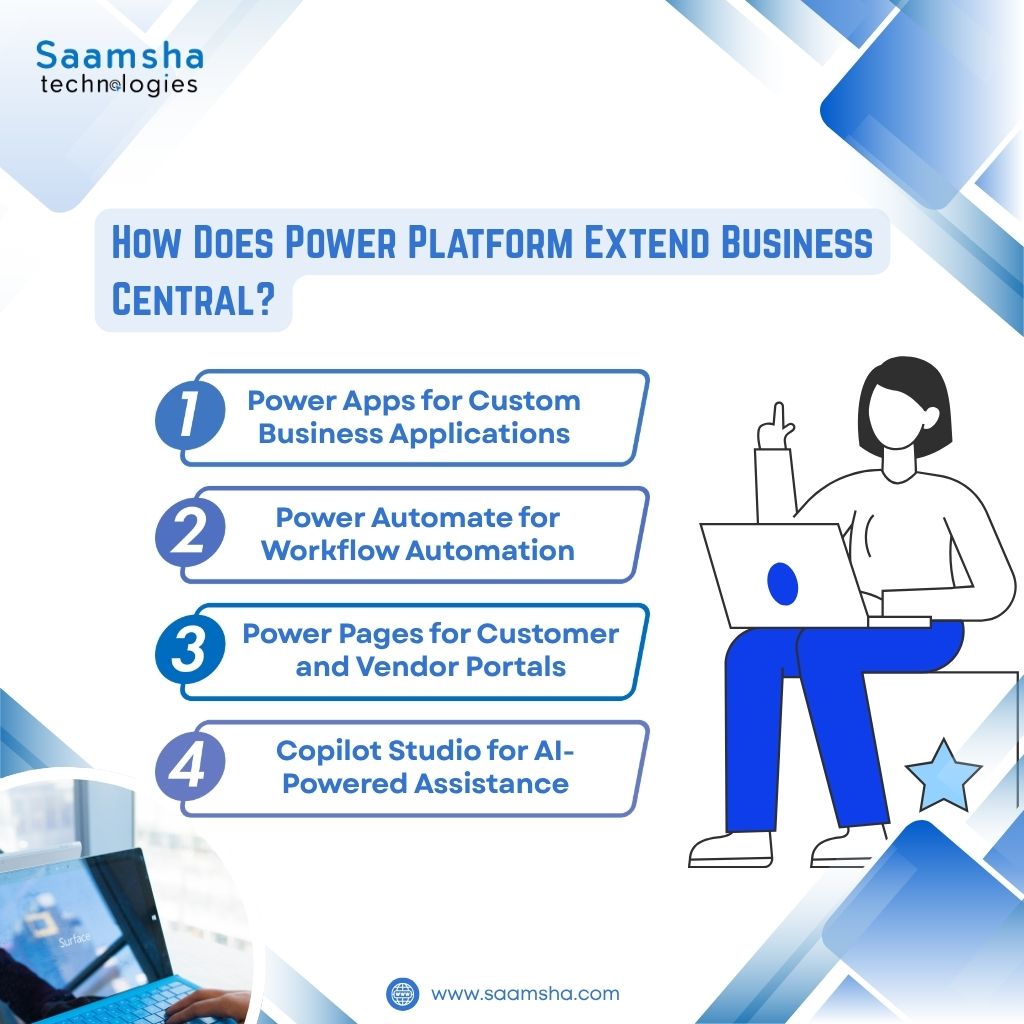
Microsoft Dynamics 365 Business Central handles core operations, while Power Platform adds low-code apps, automation, analytics, AI, and portals without disrupting upgrades or scalability.
Power Apps for Custom Business Applications
Every organization has unique business processes that standard ERP functionality may not fully cover.
Power Apps allows businesses to build custom applications with minimal coding while using Business Central data.
Examples include:
- Employee expense applications
- Purchase request systems
- Inventory scanning apps
- Field service applications
- Vendor registration forms
- Mobile sales applications
These apps connect directly with Microsoft Dynamics 365 Business Central, ensuring employees work with live business data without creating duplicate records.
Power Automate for Workflow Automation
Many businesses still spend valuable time performing repetitive manual tasks. Power Automate removes this burden by automating routine business processes. Common automation scenarios include:
- Invoice approvals
- Purchase order approvals
- Customer notifications
- Inventory alerts
- Document routing
- Email automation
- Cross-department approvals
For example, whenever a purchase request exceeds a predefined value, Power Automate can automatically send it to the appropriate manager for approval without manual intervention.
This reduces processing time, improves compliance, and minimizes human errors.
Power Pages for Customer and Vendor Portals
Many organizations need to provide secure access to customers, suppliers, or partners without exposing their internal ERP.
Power Pages helps businesses build secure external websites connected directly to Business Central. Organizations can create portals where customers can:
- Track orders
- Download invoices
- View shipment updates
- Update account information
- Submit support requests
Similarly, vendors can update pricing, submit documents, or check purchase orders without requiring direct ERP access.
Copilot Studio for AI-Powered Assistance
Artificial intelligence is becoming an important part of modern ERP systems.
Copilot Studio allows organizations to build intelligent assistants that work alongside Business Central. These AI assistants can:
- Answer business questions
- Retrieve customer information
- Summarize transactions
- Assist customer support and teams
- Guide employees through business processes
Since Copilot works with Business Central data, users receive accurate responses without manually searching through multiple screens.
Why Businesses Should Extend Instead of Customize?
Many organizations make the mistake of heavily customizing their ERP system. Although customization may solve immediate business challenges, it often creates long-term maintenance problems. Using the Power Platform allows businesses to:
- Keep Business Central stable
- Reduce upgrade risks
- Build custom solutions faster
- Improve user experience
- Reduce development costs
- Scale more easily as business requirements change
The ERP continues to function as the central business system while the Power Platform handles automation, reporting, mobile applications, AI, and external portals.
Key Benefits of Business Central with Power Platform
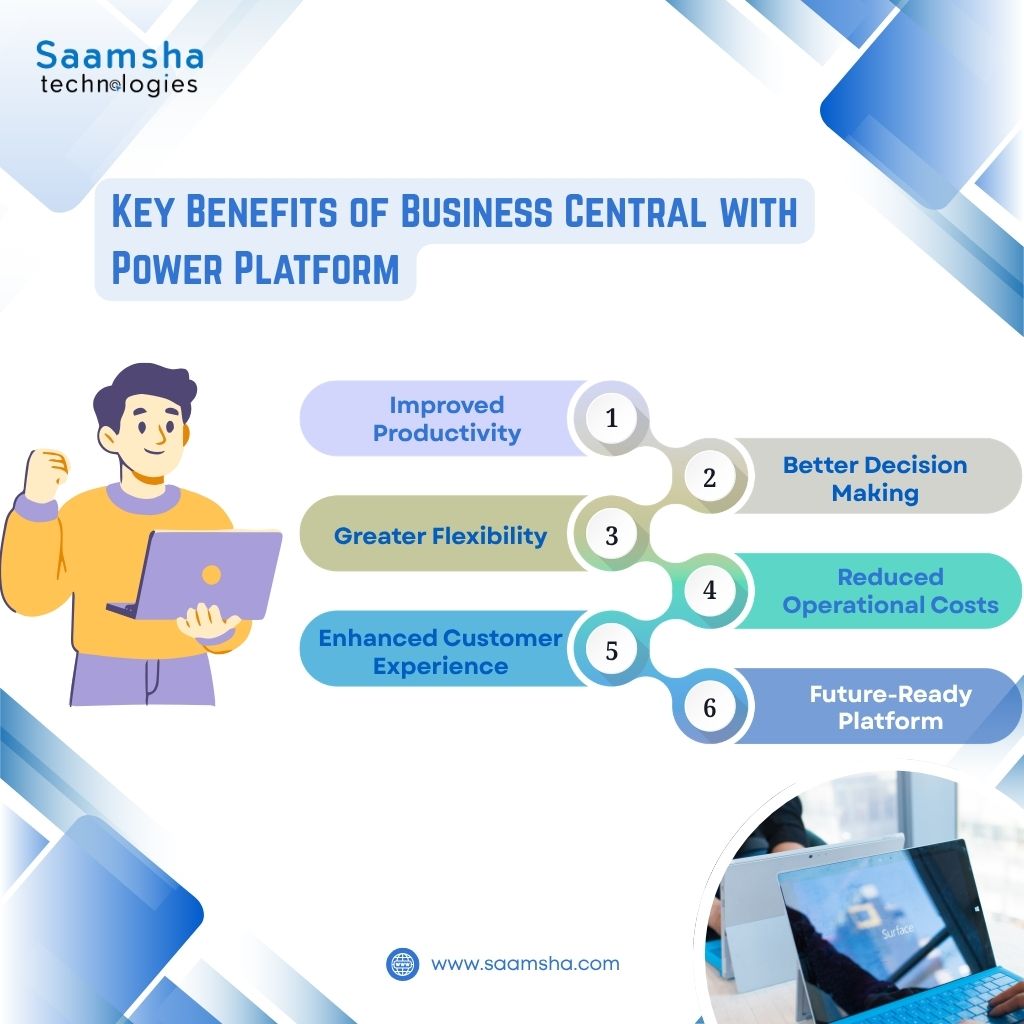
When Business Central Dynamics 365 is combined with Microsoft Power Platform, organizations gain several advantages.
Improved Productivity : Employees spend less time on repetitive administrative work through automation and AI.
Better Decision Making : Power BI provides real-time visibility into financial and operational performance.
Greater Flexibility : Businesses can quickly build applications without traditional software development.
Reduced Operational Costs : Automation reduces manual effort, minimizes errors, and improves overall efficiency.
Enhanced Customer Experience : Customer portals and AI assistants provide faster service and better engagement.
Future-Ready Platform : As business needs evolve, new applications and workflows can be added without replacing the ERP.
Why Choose Saamsha Technologies?
Successfully implementing Microsoft Dynamics 365 Business Central requires more than software installation. Businesses need the right implementation strategy, customization approach, and ongoing support.
Saamsha Technologies helps organizations maximize the value of Business Central by delivering end-to-end Microsoft ERP services, including:
- Business Central implementation
- Upgrade and migration services
- System customization
- Workflow modernization
- Integration with Microsoft Power Platform
- User training
- Ongoing consulting and technical support
Our approach focuses on building scalable, future-ready ERP environments that align with evolving business goals while ensuring seamless integration across the Microsoft ecosystem.
Whether you are planning a new ERP implementation or looking to extend your existing Business Central environment with Power BI, Power Apps, Power Automate, or AI capabilities, we can help you build a future-ready digital business platform.
Final Thoughts
Microsoft Dynamics 365 Business Central already provides a strong foundation for managing finance, operations, inventory, sales, and customer relationships. However, the Microsoft Power Platform takes its capabilities much further.
By combining Power BI, Power Apps, Power Automate, Power Pages, and Copilot Studio with Business Central, organizations can automate business processes, build custom applications, improve reporting, strengthen collaboration, and deliver better customer experiences without unnecessary ERP customization.
As organizations continue their digital transformation journey, the combined capabilities of Microsoft Dynamics, Microsoft Power Platform, and Microsoft Dynamics 365 Business Central provide a flexible, scalable, and future-ready foundation that supports innovation, operational efficiency, and long-term business growth.