A single ERP system, like Microsoft Dynamics 365 Business Central, offers you multiple positive outcomes, including improved supply chain management, enhanced business reporting, and better inventory management.
Experts predict that the ERP market is expected to grow to USD 300 billion globally in the coming years. However, Dynamics 365 Business Central is specifically designed to support both small and mid-sized businesses while remaining scalable for growing enterprises.
From manufacturing to finance, it reduces most of the manual work, saving a lot of time through standardized processes, automation, and real-time data visibility. However, the right implementation approach for Business Central can be problematic if not planned correctly. Continue reading to know more about Microsoft Dynamics 365 Central implementation and why outcomes differ.
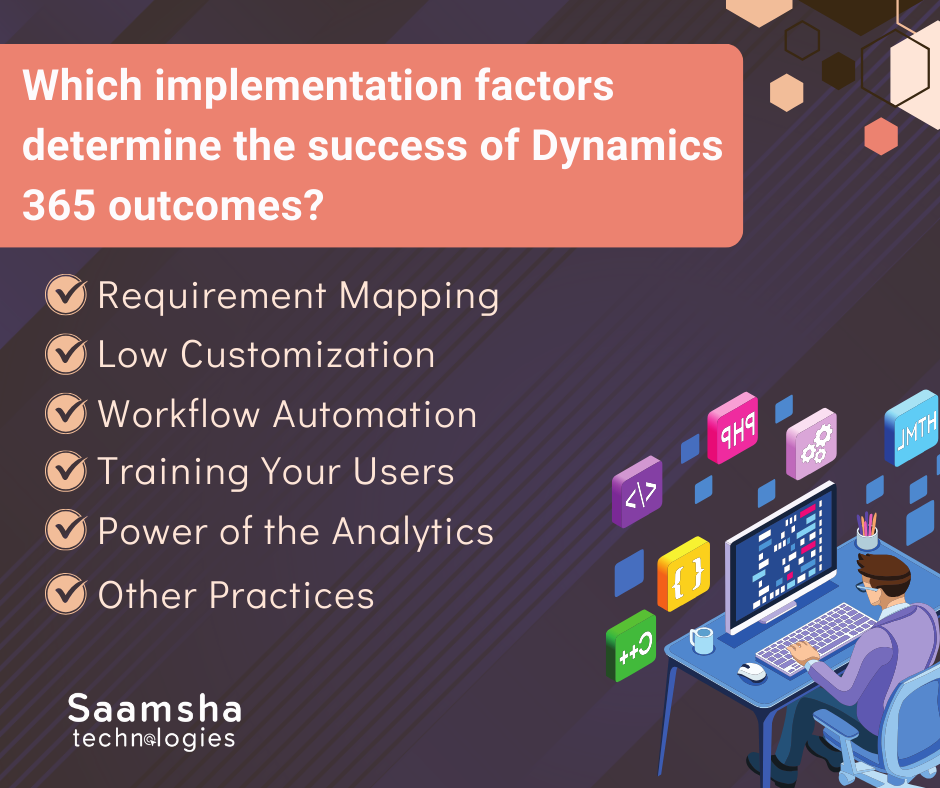
Which implementation factors determine the success of Dynamics 365 outcomes?
Dynamics 365 Business Central is a highly capable ERP solution, but the implementation strategy is the key differentiator between success and failure. From mapping to automation, everything matters for an efficient implementation to grow your business. Here are the implementation factors that make different outcomes:
- Requirement Mapping
Your business requirements directly affect how effectively Business Central is configured and adopted. While requirement mapping may seem like a complex task, unclear or unsupported requirements often lead to project delays, scope creep, and increased costs.
However, you can manage an unambiguous requirement mapping task with proper utilization of Business Central, saving both costs and resources. It ensures a 2%-3% reduction of unplanned machine downtime.
- Low Customization
Overemphasizing the value of your business products can lead to technical debt over time. Heavy customized deployments can lead to upgrade issues and longer project schedules. Microsoft Dynamics 365’s out-of-the-box features help with successful deployments.
Moreover, modern implementations focus on upgrade-safe AL extensions and AppSource applications, ensuring that custom functionality aligns with business needs without disrupting future updates.
- Workflow Automation
Workflow automation is one of the most important aspects you would focus on as a business owner. Manual workflows invite lots of inconsistencies and errors in large-scale businesses. According to International Data Corporation(IDC), manufacturing automation has increased by 27% with Dynamics 365.
However, Business Central manages most of the workflows, like routing documents, routine activities, approval workflows, etc.
- Training Your Users
If end users are not trained to use the system efficiently, it can directly affect operational reliability. Low user adoption remains one of the most common ERP implementation challenges. When users lack confidence, they often revert to legacy methods, reducing system value.
Structured, role-based user training, sandbox testing, and post-go-live support are essential to ensure long-term adoption. Implementing an ERP solution with ongoing technical assistance and change management support provides businesses with a competitive advantage.
- Power of the Analytics
Your business will grow over time with the help of reporting. Making correct decisions with the previous insights will help you understand the problem and how to resolve it.
Integrating powerful data visualization tools, like Power Bi with the Microsoft Dynamics 365 ERP system helps organizations to make decisions from real-time dashboards. Therefore, you can take advantage of clearly visible KPIs, bottlenecks, and trends.
- Other Practices
You should know the best practices and default controls of Microsoft Dynamics 365 during its implementation to ensure long-term stability and compliance. IDC’s research reveals that the companies using Dynamics 365 make an annual revenue of USD 20.6 million.
Mastering data governance, segregation of duties, approval flows, and compliance controls helps businesses reduce operational risks while improving process efficiency.
What are the Dynamics 365 Features?
Microsoft Dynamics 365 automates multiple tasks from supply chain management to being an all-in-one application. Therefore, it becomes highly scalable to small to large enterprises, driving a three-year Return on Investment(ROI) 301%. The Dynamics 365’s advantages are:
- Scalability
Microsoft Dynamics 365 Business Central helps you scale your business as per your requirements. Its modular design allows you to add more information to the system without changing any major system infrastructure.
- Cloud Integration
Dynamics 365 offers you a cloud-based platform. Therefore, you can run your business operations with ease in any place on the planet, having a device and a stable internet connection. Just log in to your account and access your operations.
- All-in-One Application
Dynamics 365 has integrated other Microsoft softwares suites from Office 365 to Power Platforms. From making PowerPoint presentations to managing business data, everything is fast and efficient, saving lots of time.
- Robust Security
Dynamics 365 comes with very reliable security features, ensuring the security and privacy of your data. Additionally, the AI monitoring feature checks the user behaviour to detect any unusual activity.
- Additional Feature
Microsoft Dynamics 365 offers CRM platforms along with ERP ones to enhance your customer relationship status. From HR operations to sales, it reduces most of the work in every field. Additionally, it offers a separate platform for small businesses.
Limitations of Microsoft Dynamics 365 Implementation
These are some noticeable limitations Microsoft Dynamics 365 Business Central has:
- Lack of Clarity in Objectives: Not having a clear business goal or requirements is a clear hindrance, inviting inconsistencies before implementation.
- Difficulty in User Adoption: Without providing comprehensive training, users may face complications in implementation.
- Data Migrating Difficulties: Transferring valuable data to older systems faces issues and errors, resulting in data integrity issues.
- Unreliable Partner: Trusting unreliable partners or vendors can cause delays and rise costs in implementation.
- Integration Issues: Integrating Dynamics 365 platforms with other third-party systems is problematic.
Facing issues in Microsoft Dynamics 365 implementation? Partner with Saamsha Technologies. Our comprehensive Business Central solutions include expert consultation with 24/7 support.
How Saamsh Technologies Will Help You with Dynamics 365 Implementation
Saamsha Technologies is a global IT solution provider offering end-to-end Microsoft Dynamics 365 Business Central implementation services. Their approach includes:
- Saamsha Technologies helps you speed up your digital transformation journey.
- Gives a comprehensive development plan according to your client’s requirements.
- Saamsha Technologies’ Dynamics 365 solutions simplify your business operations, decrease IT complexities, and ensure a seamless operationflow.
- Providing post-implementation support, optimization, and continuous improvement services
Final Words
Microsoft Dynamics 365 Business Central implementation can be a transformative decision for businesses seeking long-term growth and efficiency. From clear requirement mapping and minimal customization to automation and analytics, each factor plays a vital role in determining outcomes.
While challenges such as data migration and user adoption exist, the right implementation partner can significantly reduce these risks.
Contact Saamsha Technologies today for expert Microsoft Dynamics 365 Business Central implementation, consultation, and 24/7 technical support.